Image
Zoomable images with captions, kept next to the page, with a picture per colour mode.
Plain markdown images already do the useful things: keep the file next to the
page, click to zoom when the picture is shown smaller than its real size, and
show a caption. For a different picture in dark mode, use the Image component.
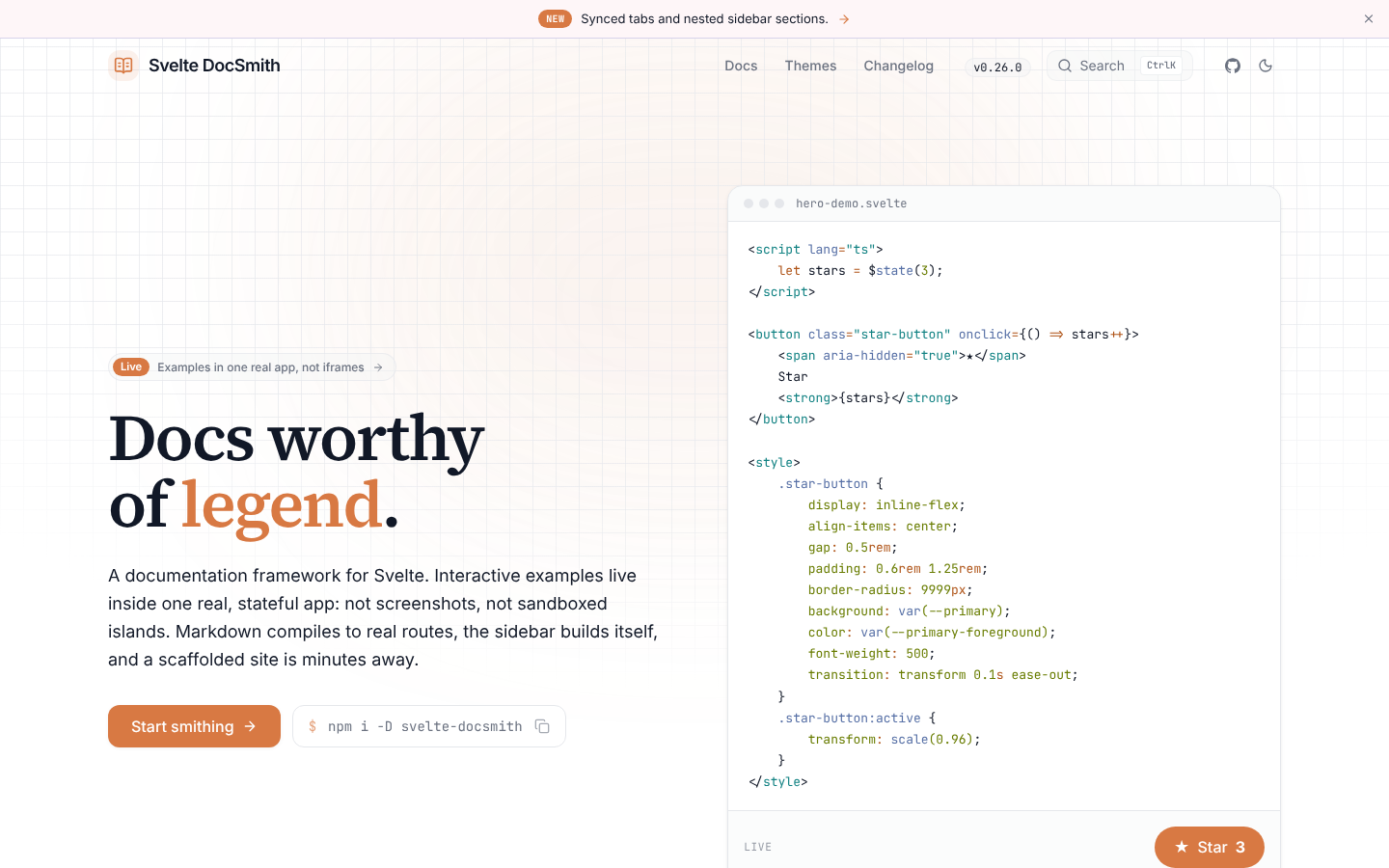
Markdown images
Write an image as you always would. The title, in quotes after the path, becomes the caption.
An image that sits on its own line is drawn as a figure, centred, with its caption below. An image inside a sentence stays inline, and its title is a hint on hover.
Images next to the page
A path that starts with ./ or ../ is a file next to the page:
DocSmith imports the file, so Vite copies it into the build with a hashed name and the page always points at the right file. If the file isn’t there, the build fails and names the page and the path, the same as a broken link.
Paths that start with / are files in static/, and full URLs are other
sites. Both are left as you wrote them.
Zoom
When a picture is shown smaller than its real size, it becomes a button that opens it full size. A picture that already fits has nothing more to show, so it stays a plain image. Zoom works with the keyboard, and Escape closes it. An image inside a link never zooms: clicking it follows the link.
A picture per colour mode
Image takes a second picture for dark mode. Readers see the one that matches
their colour mode, with no flash when the page loads.
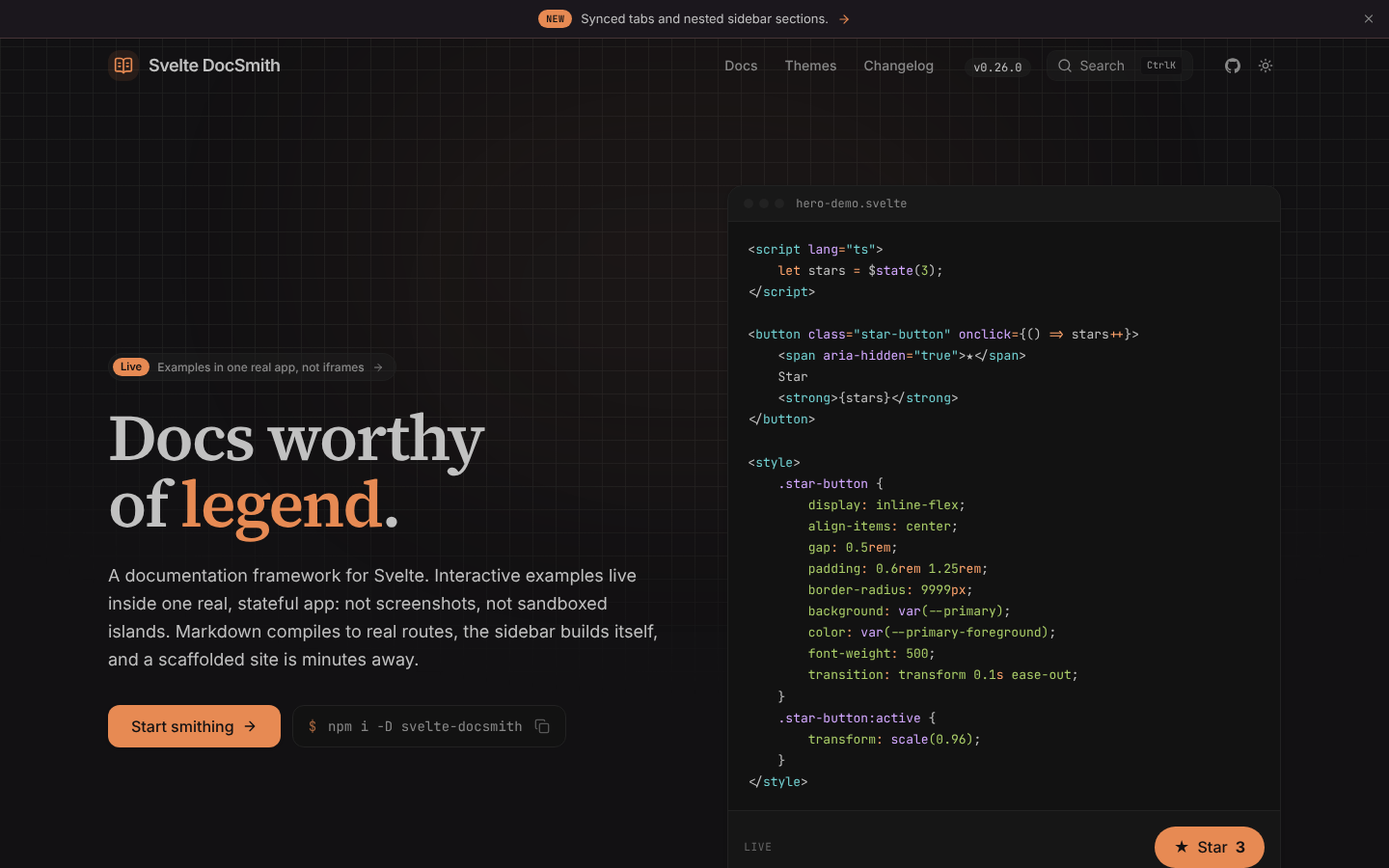
Import the files yourself: inside a component, a path next to the page is only resolved for plain markdown images.
API reference
src required string import shot from './shot.png').
With dark, the picture for light colour mode.dark string alt required string caption string